

Widgetizer 0.9.9: collections, new widgets, and Docker
Our biggest release yet adds theme-defined collections with per-item pages, three new widgets, a fresh Bedrock preset, one-command Docker self-hosting, and a lot of editor polish.
Widgetizer 0.9.9 is here, and it is the largest update we have shipped. This release turns Widgetizer from a page builder into something closer to a small content system: you can now define lightweight collections, generate real per-item pages, and drop the results into your layouts as grids. On top of that there are new widgets, a new starter design, and a proper way to self-host the web app. Here is a tour of what changed.
Collections: lightweight content, real pages
The headline feature is theme-defined collections. A theme can now describe content types like News, Projects, or Services, and you manage the entries right inside the editor. Each collection can generate its own per-item pages, complete with SEO output, sitemap entries, and menu links, and the internal links stay correct even as you rename things.
Arch ships three new widgets to display them: News Grid, Projects Grid, and Services Grid. Point a grid at a collection, choose how many items to show, and it stays in sync as you add posts.
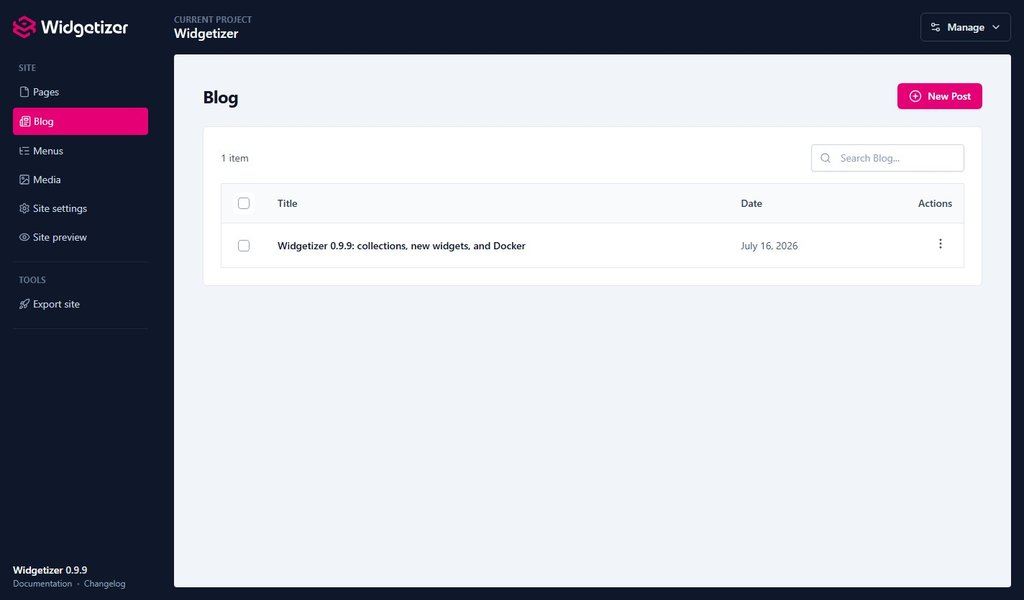
Screenshot: managing collection items in the editor.
Three new widgets
Beyond the collection grids, Arch gained three widgets people kept asking for:
-
Table for rate sheets, tuition tables, size charts, and spec lists.
-
Audio Player with MP3 playlist support, for podcasts and music.
-
Contact Form, a core widget that writes a forms manifest into your export. Submissions are handled automatically on Widgetizer Hosting; other static hosts can wire up their own handler.
A new starter design: Bedrock
This release introduces Bedrock, a warm, grounded preset built for general contractors and construction firms, with full page content, menus, and starter imagery ready to customize.

Screenshot: the new Bedrock preset.
Run it on your own server with Docker
Widgetizer has always been a desktop app, and it still is. But 0.9.9 adds a Dockerfile and a docker-compose file so you can run the web version on your own server in one command. It is the same builder, hosted wherever you like.
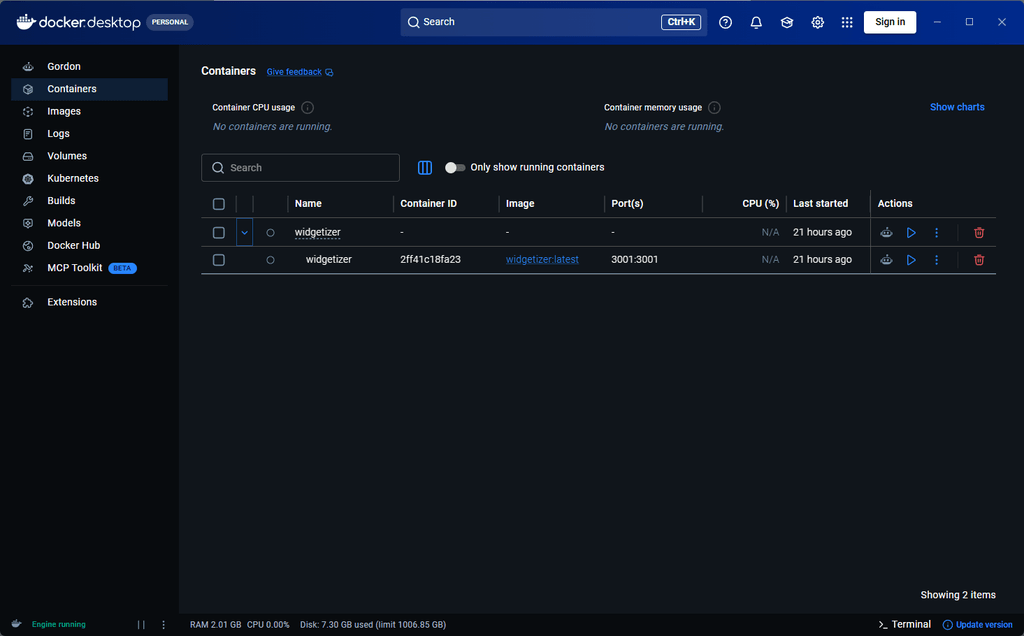
Screenshot: the web app running in a browser via Docker.
Editor quality of life
A lot of the work this cycle went into everyday polish:
-
Copy and paste widgets within a page or across pages, with right-click menu and keyboard support.
-
Rich-text links can now point at any Media Library file, with an All / Images / Audio / Files filter.
-
Sticky action bars on long forms, a taller widget inserter with per-widget preview images, and a denser settings sidebar.
-
The desktop app now picks a free port automatically and no longer forces its window to maximize on launch.
Under the hood
We also reorganized the backend and editor into modular packages behind clean adapter contracts. You will not see it directly, but it is what lets the same builder power both the free app and the hosted service we are building. This release also brings a broad round of security hardening across uploads, links, and theme output.
Widgetizer is free and open source, and the desktop app updates itself: launch it and it will offer 0.9.9 automatically. Prefer to install fresh? Grab it from the downloads page. And if you build something with it, we would love to see it.